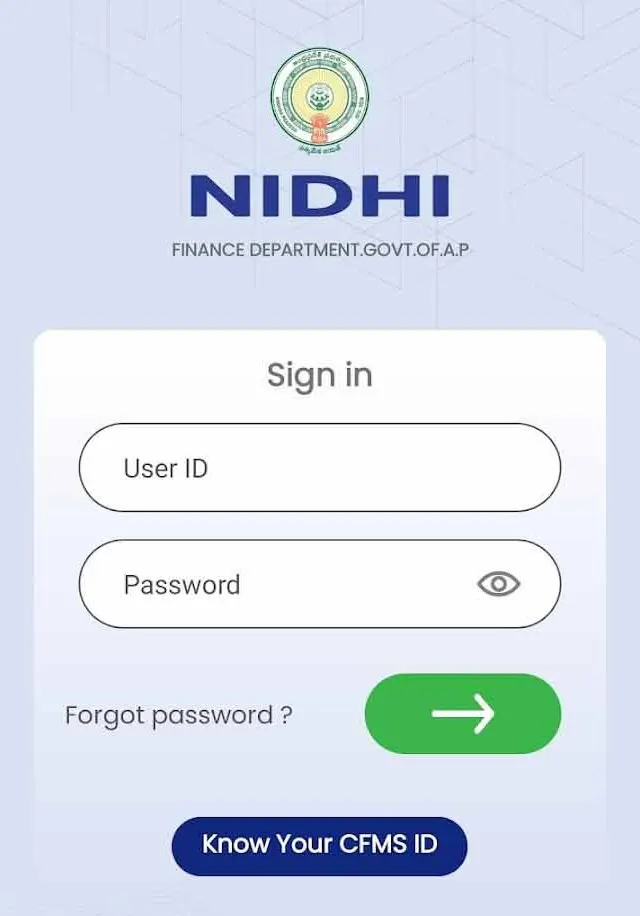
Download Pay Slip @nidhi.apcfss.in
All AP Employees can check their Pay details in the link mentioned. AP Govt has prepared payroll software, with this software one can check their salary details including all deductions PF, CPS, APGLI, PT, GIS. Here are the steps to download your pay slips by using CFMS ID. These are the steps to get AP Employee Pay Slips.
Step 1:
- open the website https://nidhi.apcfss.in the opening page is look like this.
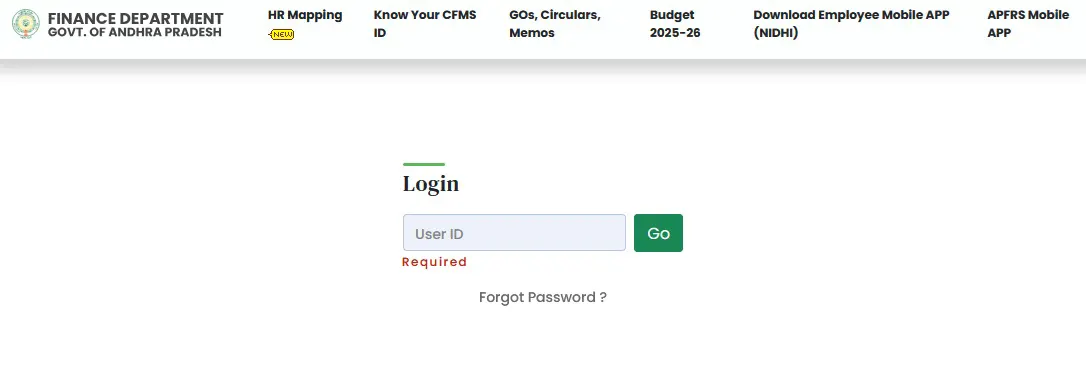
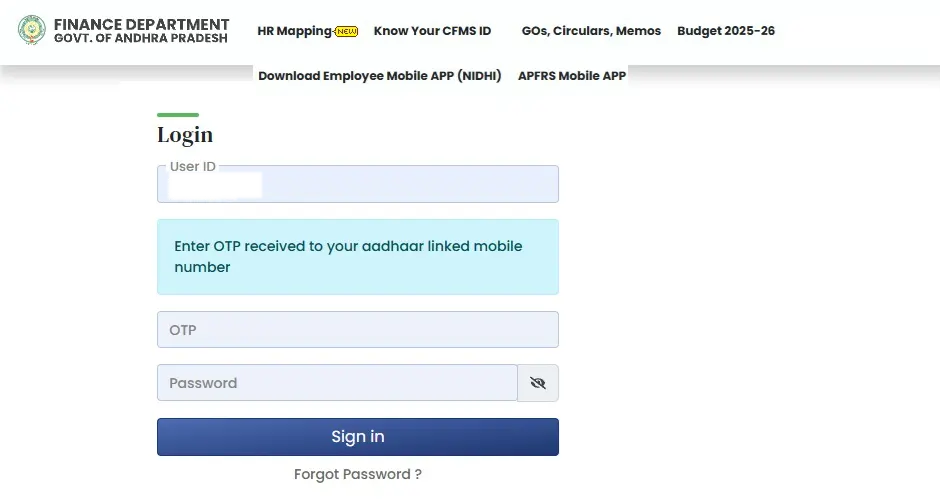
The following page will be opened. Then choose ESS tile and then go to Employee Self Services, then opt Employee Pay Slip. Then select month you want to wish to check your salary.The following salary slip will appear.
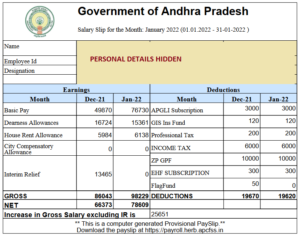
Step 4: Download PDF format of monthly salary as shown above. The payslip consist Basic Pay, DA, HRA and deductions APGLI, CPS. IT, ZPPF, CPS, EHS.
Know You Pay Details Using Nidhi App
There is another way to know AP Govt Employee Pay Slips using Nidhi App. Employee can download Nidhi App from Google Play store. If you have Android Phone go to Play Store App and download it in your mobile phone. Enter credentials CFMS ID and Password in order to access it. Select the the month and year you want know the salary details. You can also download it and take printout.
- Direct Link to Download Nidhi Salay App Click Here