Check Your CFMS Bill Status Using the Direct Links
We are here providing the official CFMS links to check your bill status. Employees who present bills through DDO can check their bill status by using following links. In order to know bill status employee has to click on the following one of the link. In the opening page of the CFMS, employee has to enter CFMS ID and password. If employee doesn’t know the password, can try using the forget password method.
With this following links one can know the status of Salary Bills, Arrears bills, Supplementary Bills and other bills.
Links to know CFMS Employee Bill Status
- CFMS Bill Status with Login Credentials (Click Here)
- CFMS Bill Status Checking Link without Login Details (Click Here)
User Name :: CFMS ID
Password :: Your CFMS Portal Password
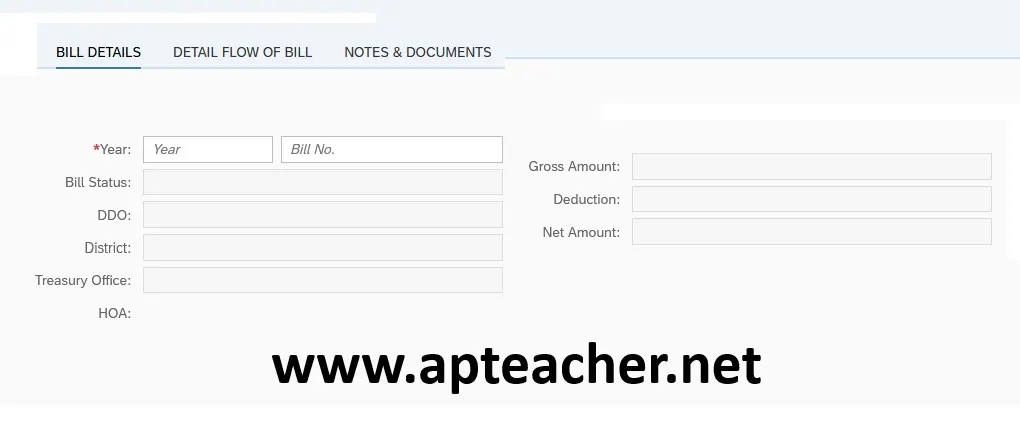
Steps to Know CFMS Bill Status
- Click on the CFMS Bill Status link given above
- Enter your Employee CFMS ID.
- Enter password.
- In the page enter year and bill number.
- Check your bill status and take printout.